Todoist MCP: how to connect Todoist to ChatGPT, Claude and Cursor
By Andrei Finogeev, founder of Weft · Checked against Todoist’s docs on
Todoist runs an official, hosted MCP server at https://ai.todoist.net/mcp. You sign in with OAuth — your password never reaches the assistant — and it works on every Todoist plan, the free Beginner plan included. In ChatGPT it is in the Plugin directory, in Claude it is in the connectors directory, and in Claude Code, Cursor and VS Code you add the URL yourself. The assistant can add, update, complete and reschedule tasks, and much more on clients that expose the full tool set.
Todoist MCP at a glance
| Server URL | https://ai.todoist.net/mcp (Streamable HTTP) |
|---|---|
| Sign-in | OAuth, scope data:read_write. No API token for the hosted server |
| Free plan | Yes — “Available for: Beginner, Pro, Business” |
| Rate limits | Not stated |
| Deletes | A delete-object tool exists in the open-source server |
| Paid plans | Pro $5/month billed yearly ($7 monthly); Business $8/user a month yearly ($10 monthly) |
“Not stated” means Todoist does not say. Prices are list prices in US dollars per seat; taxes and regional prices differ.
How to set up Todoist MCP in each assistant
ChatGPT
Open Plugins in the sidebar, search the directory for Todoist, select the official Todoist plugin, press the plus icon to connect, sign in and approve. Then type /todoist in a chat. Todoist does not say which ChatGPT plans can use it.
Claude (web and desktop)
Press the plus icon at the lower left of a chat → Connectors → Add connector → Browse connectors, search for Todoist and press Connect. Todoist says this works on any Claude plan; on Team and Enterprise an Owner has to enable connectors first.
Claude Code
Add the server, then run /mcp in Claude Code and sign in. Todoist also ships a Claude Code plugin: /plugin marketplace add todoist/todoist-mcp, then /plugin install todoist@doist.
claude mcp add --transport http todoist https://ai.todoist.net/mcpCursor
Add Todoist to ~/.cursor/mcp.json (or .cursor/mcp.json in a project). Todoist documents it through mcp-remote; no one-click link is documented.
{
  "mcpServers": {
    "todoist": {
      "command": "npx",
      "args": ["-y", "mcp-remote", "https://ai.todoist.net/mcp"]
    }
  }
}
VS Code
Command Palette → “MCP: Add Server” → HTTP, and enter the URL.
{
  "servers": {
    "todoist": { "type": "http", "url": "https://ai.todoist.net/mcp" }
  }
}
What your AI can do in Todoist
- Tasks: add, update, complete, uncomplete, reschedule, and find tasks by text, date or completion.
- Projects, sections, labels, filters, comments and reminders: add, update and find.
- Shared projects: list collaborators and manage assignments.
- Activity and productivity stats, project health, and project templates (export and import).
- A generic delete-object tool that removes any object type.
Limits worth knowing
- Todoist’s Claude help page says Claude does not support managing sections, labels, comments or filters, or assigning tasks in shared projects — fewer tools than the open-source server lists. Todoist does not say why the two differ.
- Asking to “change the date” of a recurring task removes its repeat schedule; ask to “reschedule” instead. Completing a recurring task moves it to the next occurrence.
- New projects cannot be created inside team-workspace folders.
- The assistant, not Todoist, decides whether it asks before writing.
- There is no tool for an agent to claim a task or report progress on it — Todoist is a to-do list the AI can edit, not a queue agents work from.
Todoist or Weft for working with AI?
Pick Todoist if the list is personal — errands, habits, recurring chores — and you want an assistant to add and reschedule things for you. It is mature, cheap, and its MCP server works on the free plan.
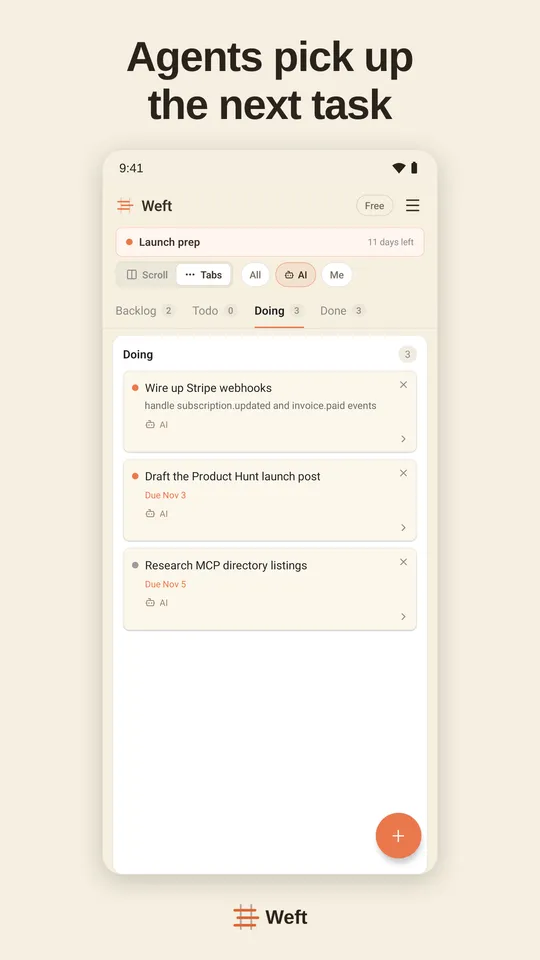
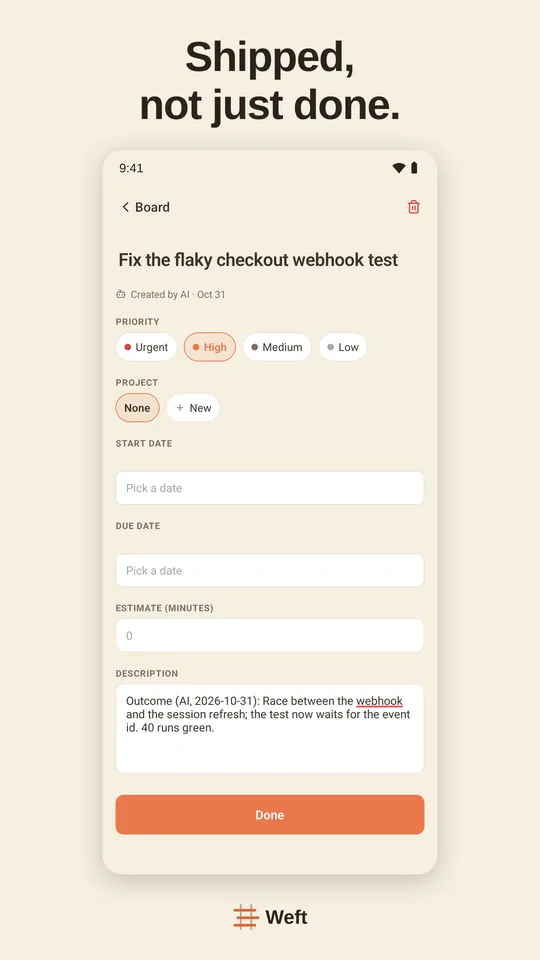
Pick Weft if your AI is doing the work, not only filing it. Weft is a Scrumban board built for assistants: an AI claims a task before starting so two assistants never pick up the same one, reports progress while it works, asks you a question that waits in your Inbox, and leaves a receipt when it finishes. It works in ChatGPT on every plan, Free included, plus Claude, Cursor, Codex and 30+ other clients.
Setting Weft up: Weft in ChatGPT · Weft in Claude · Weft in Claude Code · Weft in Cursor · Weft in Codex
Questions
Does Todoist have an official MCP server?
Yes. Todoist hosts one at https://ai.todoist.net/mcp and publishes its source on GitHub (todoist/todoist-mcp). You sign in with OAuth.
Can I use Todoist MCP on the free plan?
Yes. Todoist lists the MCP connection as available on Beginner (free), Pro and Business.
Do I need a Todoist API token?
Not for the hosted server: it uses OAuth. An API token (TODOIST_API_KEY) is only needed if you run the open-source tools locally.
Can ChatGPT add tasks to Todoist?
Yes, through the official Todoist plugin in ChatGPT’s Plugin directory. ChatGPT asks before it makes changes, depending on your ChatGPT settings.
Sources
Read on 11 November 2026.