Asana MCP: how to connect Asana to ChatGPT, Claude and Cursor
By Andrei Finogeev, founder of Weft · Checked against Asana’s docs on
Asana’s official MCP server is the V2 server at https://mcp.asana.com/v2/mcp; the old V1 address (mcp.asana.com/sse) has been retired. In ChatGPT and Claude you connect the Asana app from their directories and sign in. In Claude Code, Cursor and VS Code there is one extra step: Asana does not support dynamic client registration, so you first create an OAuth app in Asana’s developer console and paste its client ID and secret into the client.
Asana MCP at a glance
| Server URL | https://mcp.asana.com/v2/mcp (Streamable HTTP). V1 at /sse is retired |
|---|---|
| Sign-in | OAuth 2.0 only — no API token. Your own OAuth app (client ID + secret) for Claude Code, Cursor, VS Code |
| Free plan | Not stated |
| Rate limits | Not stated; batch calls are capped at 50 items |
| Deletes | Yes — delete_task and delete_record |
| Paid plans | Starter $10.99/user a month yearly ($13.49 monthly); Advanced $24.99 yearly ($30.49 monthly) |
“Not stated” means Asana does not say. Prices are list prices in US dollars per seat; taxes and regional prices differ.
How to set up Asana MCP in each assistant
ChatGPT
Connect Asana from ChatGPT’s app directory, sign in, pick a workspace and authorize. Asana does not say which ChatGPT plans can use it.
Claude (web and desktop)
Connect Asana from Claude’s connectors directory (claude.com/connectors/asana) and sign in. The listing is made by Asana and marked “Anthropic verified”.
Claude Code
First create an OAuth app in the Asana developer console with the redirect URL http://localhost:8080/callback. Add the server — Claude Code asks for the client secret — then run /mcp in Claude Code and sign in.
claude mcp add --transport http --client-id YOUR_CLIENT_ID --client-secret --callback-port 8080 asana https://mcp.asana.com/v2/mcpCursor
Cursor Settings → Tools & MCP → “+ Add new global MCP server”, paste the config, then press Connect. Register cursor://anysphere.cursor-mcp/oauth/callback as the redirect URL of your Asana OAuth app.
{
  "mcpServers": {
    "asana": {
      "url": "https://mcp.asana.com/v2/mcp",
      "auth": {
        "CLIENT_ID": "${env:ASANA_CLIENT_ID}",
        "CLIENT_SECRET": "${env:ASANA_CLIENT_SECRET}"
      }
    }
  }
}
VS Code
Command Palette → “MCP: Add Server” → HTTP, enter the URL, name it asana, and enter the client ID and secret when asked. Redirect URLs: http://127.0.0.1:33418/ (with the trailing slash) and https://vscode.dev/redirect.
What your AI can do in Asana
- Search and read tasks, projects, portfolios, status updates, users and teams.
- Create and update tasks and projects (also from templates), add comments, post project status updates.
- Delete tasks; work with Asana tables and records; read and update notifications.
- Preview tools that show an interactive task or project card in clients that support apps.
Limits worth knowing
- No dynamic client registration: outside the official ChatGPT and Claude apps you need your own OAuth app. Asana says some clients, such as Replit and JetBrains, do not support this yet.
- One workspace per session — “Tokens are workspace-scoped”.
- No permission scopes: the token requests full access to every tool; your own Asana permissions still apply.
- search_tasks is Premium-only; on other plans the assistant uses get_tasks.
- Goals, allocations and time-period tools were removed in V2.
- No tool for an agent to claim a task or report progress — the AI edits Asana, it does not work a queue.
Asana or Weft for working with AI?
Pick Asana if your work is cross-team projects with timelines, portfolios and status reporting, and your company already runs on it. Its MCP server is broad and maintained by Asana.
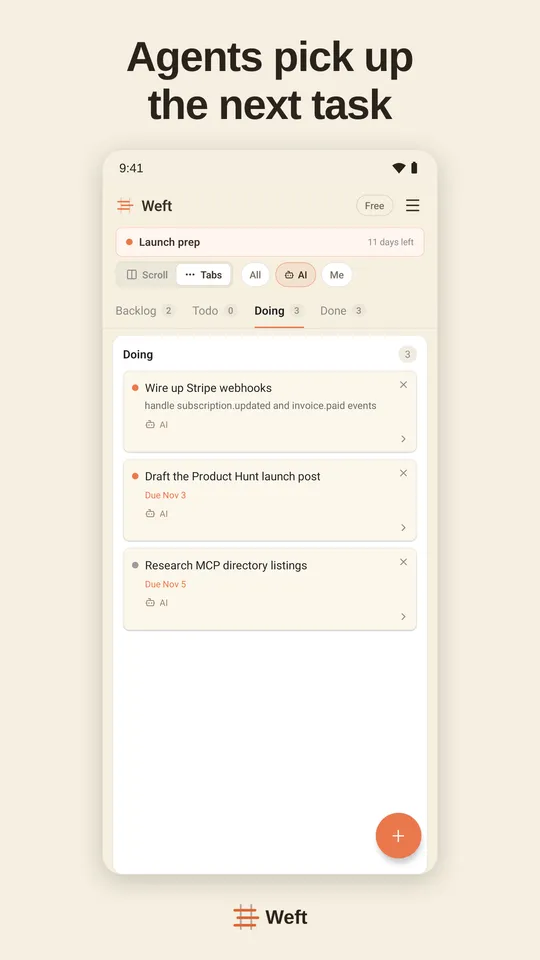
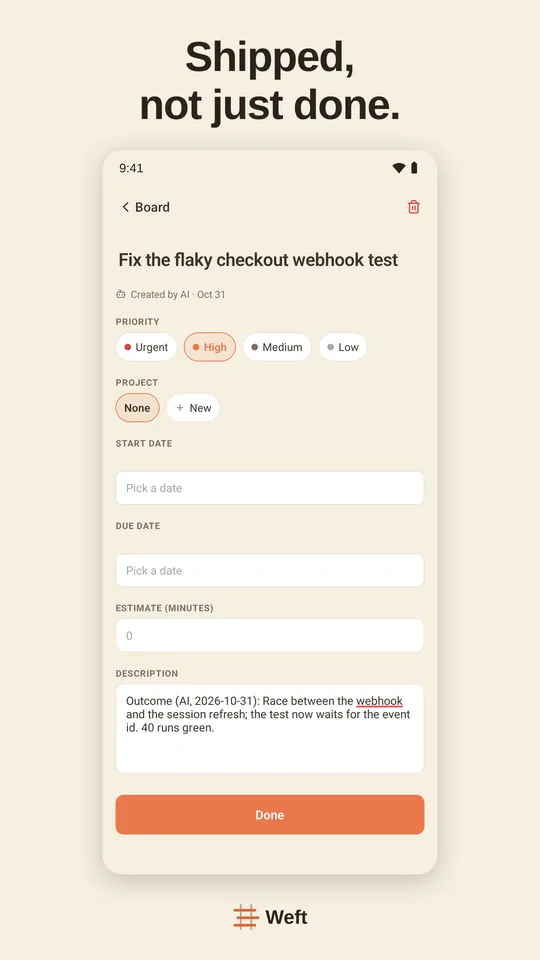
Pick Weft if you are a solo founder or a small team and the AI should run the board. Weft connects in ChatGPT, Claude, Cursor and Codex with plain OAuth — no OAuth app to register — and its tools are made for assistants doing the work: claim a task, report progress, ask you a question that waits in your Inbox, record the decision. It works in ChatGPT on every plan, Free included.
Setting Weft up: Weft in ChatGPT · Weft in Claude · Weft in Claude Code · Weft in Cursor · Weft in Codex
Questions
What is the Asana MCP server URL?
https://mcp.asana.com/v2/mcp. The V1 address, https://mcp.asana.com/sse, has been shut down.
Why does Cursor or Claude Code ask for a client ID for Asana?
Asana’s V2 server does not support dynamic client registration, so clients other than the official ChatGPT and Claude apps need an OAuth app you create in Asana’s developer console. You paste its client ID and secret into the client.
Can I use an Asana personal access token with MCP?
No. The server accepts OAuth only, and tokens issued for MCP do not work with Asana’s REST API either.
Does Asana MCP work on the free Personal plan?
Asana does not say. The only plan restriction it documents is that search_tasks needs Premium.
Sources
Read on 11 November 2026.