Linear MCP: how to connect Linear to Claude, Cursor, Codex and ChatGPT
By Andrei Finogeev, founder of Weft · Checked against Linear’s docs on
Linear runs an official MCP server at https://mcp.linear.app/mcp, with a separate read-only endpoint at https://mcp.linear.app/mcp/readonly. It uses Streamable HTTP and OAuth 2.1 with dynamic client registration, so most clients only need the URL; a Linear API key works as a bearer token too. MCP access is included on every Linear plan, Free included. Claude lists it in the connectors directory; in ChatGPT, OpenAI’s Linear app syncs and searches issues and, per OpenAI, can create tickets.
Linear MCP at a glance
| Server URL | https://mcp.linear.app/mcp — read-only: /mcp/readonly. SSE at /sse is deprecated |
|---|---|
| Sign-in | OAuth 2.1 with dynamic client registration, or a bearer token / API key |
| Free plan | Yes — “MCP access: Included” on every plan |
| Rate limits | Not stated |
| Read-only option | Yes — the /readonly endpoint, or OAuth with only the read scope |
| Paid plans | Basic $10/user a month, Business $16 — billed yearly |
“Not stated” means Linear does not say. Prices are list prices in US dollars per seat; taxes and regional prices differ.
How to set up Linear MCP in each assistant
Claude (web and desktop)
Settings → Connectors → Linear (on Team and Enterprise, claude.ai/customize/connectors), then sign in.
Claude Code
Add the server, then run /mcp in Claude Code and sign in.
claude mcp add --transport http linear-server https://mcp.linear.app/mcpCursor
Use Linear’s install link, or search for Linear on Cursor’s MCP tools page.
VS Code, Windsurf, Zed
Linear documents these through mcp-remote: in VS Code “MCP: Add Server”; in Windsurf Settings → Cascade → MCP servers → Add custom server.
{
  "mcpServers": {
    "linear": {
      "command": "npx",
      "args": ["-y", "mcp-remote", "https://mcp.linear.app/mcp"]
    }
  }
}
Codex
Add the server and log in. Linear notes Codex may need the rmcp feature: experimental_use_rmcp_client = true.
codex mcp add linear --url https://mcp.linear.app/mcp
codex mcp login linear
ChatGPT
Linear’s MCP docs do not cover ChatGPT. OpenAI’s Linear app (“app with sync”) searches issues and projects and, per OpenAI, supports write actions such as creating tickets. Adding the MCP URL yourself is, per OpenAI, a Business, Enterprise and Edu feature, read-and-fetch only on Pro.
What your AI can do in Linear
- Find, create and update issues (save_issue), list issues with filters such as completedAt.
- Projects, project updates, milestones and labels; initiatives and initiative updates.
- Teams, users, cycles, comments and customer needs; load images.
Limits worth knowing
- Each Linear workspace is signed in separately (Linear suggests MCP_REMOTE_CONFIG_DIR for several).
- Connections “may occasionally need a reconnect”; WSL needs the SSE fallback.
- Linear does not publish a full tool list or MCP rate limits.
- OpenAI’s synced Linear app does not sync attachments or images, and new issues can take hours to appear.
- No tool for an agent to claim an issue or report progress on it while working.
Linear or Weft for working with AI?
Pick Linear if you are a software team that lives in issues, cycles and pull requests. Its MCP server is solid, free on every plan, and the read-only endpoint is a good default for cautious setups.
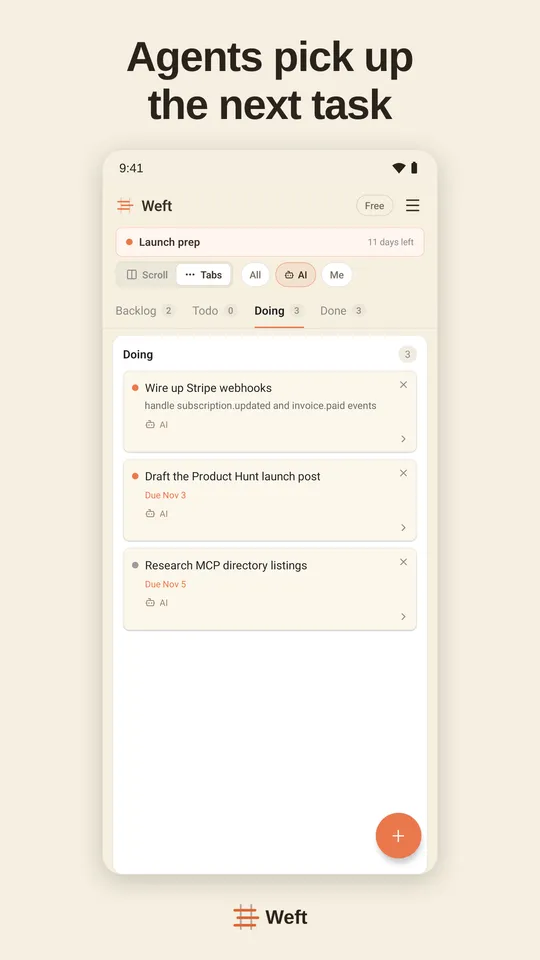
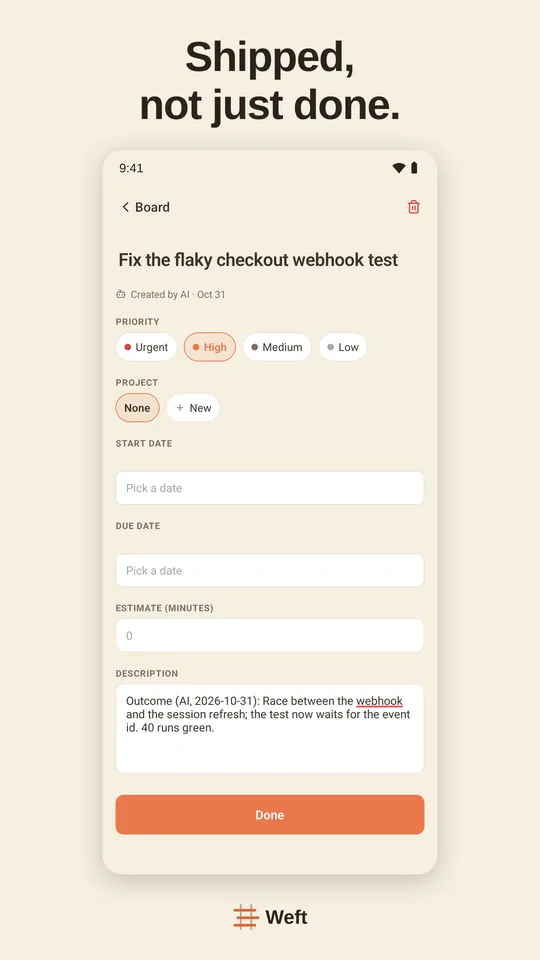
Pick Weft if you are a solo founder or a small team whose AI assistants do much of the work — not only engineers. Weft works in ChatGPT on every plan, Free included, and its tools are made for agents: claim a task before starting so two never collide, report progress, ask you a question that waits in your Inbox, and record the decision, with full, write or read-only access per assistant.
Setting Weft up: Weft in ChatGPT · Weft in Claude · Weft in Claude Code · Weft in Cursor · Weft in Codex
Questions
What is the Linear MCP server URL?
https://mcp.linear.app/mcp for read and write, https://mcp.linear.app/mcp/readonly for read only. The SSE endpoint, https://mcp.linear.app/sse, is a deprecated fallback.
Is Linear MCP free?
Yes. Linear’s pricing lists MCP access as included on every plan, Free included.
Can I use a Linear API key instead of OAuth?
Yes. Linear says you can authenticate with a bearer token or a Linear API key.
Does Linear work in ChatGPT?
Through OpenAI’s Linear app, which syncs and searches issues and, per OpenAI, can create tickets. Linear’s own MCP docs do not cover ChatGPT.
Sources
Read on 11 November 2026.