Notion MCP: how to connect Notion to Claude, Cursor, Codex and ChatGPT
By Andrei Finogeev, founder of Weft · Checked against Notion’s docs on
Notion’s official MCP server is hosted at https://mcp.notion.com/mcp (Streamable HTTP, with an SSE fallback) and signs in with OAuth; Business and Enterprise workspaces can also use an MCP token. It works on every Notion plan. Open your assistant’s connector or plugin library, search for Notion and sign in — or add the URL in Claude Code, Cursor, VS Code or Codex. The old open-source local server is no longer maintained.
Notion MCP at a glance
| Server URL | https://mcp.notion.com/mcp — SSE fallback at /sse |
|---|---|
| Sign-in | OAuth; an MCP bearer token on Business and Enterprise |
| Free plan | Yes — “Notion MCP works on every plan” |
| Rate limits | 180 requests a minute (600 on Business and Enterprise); data-source queries ~3 a second |
| Deletes | Yes — pages and databases go to Trash |
| Paid plans | Plus $10/member a month yearly ($12 monthly); Business $20 ($24) |
“Not stated” means Notion does not say. Prices are list prices in US dollars per seat; taxes and regional prices differ.
How to set up Notion MCP in each assistant
Claude (web and desktop)
Customize → Connectors (or “+” → Connectors in a chat), choose Notion from the directory and sign in.
Claude Code
Add the server, then run /mcp in Claude Code and sign in. Notion also offers a Claude Code plugin (makenotion/claude-code-notion-plugin).
claude mcp add --transport http notion https://mcp.notion.com/mcpCursor
Add Notion to .cursor/mcp.json, enable it and complete the sign-in.
{
  "mcpServers": {
    "notion": { "url": "https://mcp.notion.com/mcp" }
  }
}
VS Code (Copilot)
Add the server to .vscode/mcp.json with "type": "http", then run “MCP: List Servers” and start it.
Codex
Add to ~/.codex/config.toml, then log in.
[mcp_servers.notion]
url = "https://mcp.notion.com/mcp"

# then: codex mcp login notion
ChatGPT
Notion’s docs give no ChatGPT steps or plan list. OpenAI offers a Notion app in ChatGPT; we could not confirm from OpenAI’s current pages what it may write.
What your AI can do in Notion
- Search and fetch pages; create pages (also from database templates) and update their content and properties.
- Use a database as a task list: create rows, update their properties, query saved views and data sources, create views.
- Create databases and data sources; comments and suggested edits; move, duplicate, delete and restore pages.
- Upload images and files up to 20 MiB; calendar events and meeting notes.
Limits worth knowing
- Only workspace members can connect — guests cannot.
- Rate limits apply to every tool call: 180 a minute, or 600 on Business and Enterprise.
- SQL-style queries are unlimited only on Business or Enterprise with Notion AI; connector search needs the same.
- Pages created without a destination become private pages.
- A Notion database is a table you shape into a task list; there is no built-in notion of an agent claiming a task or reporting progress.
Notion or Weft for working with AI?
Pick Notion if your tasks live next to your docs and wiki and you want one assistant across both. Its MCP server is broad, hosted by Notion and free on every plan.
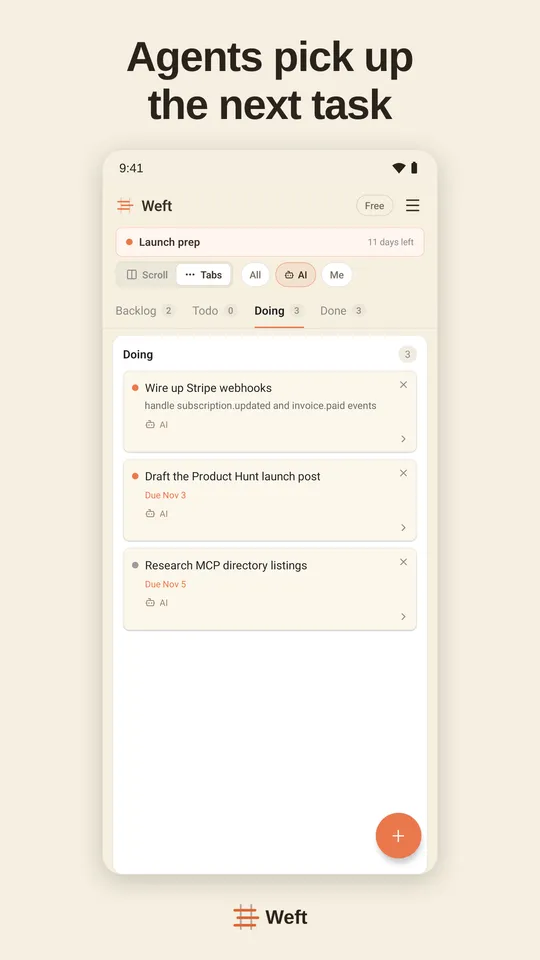
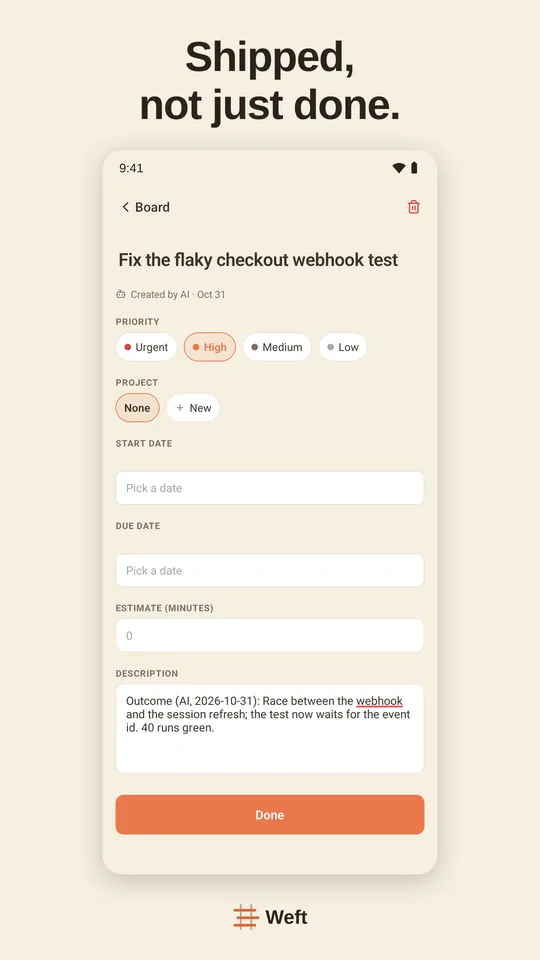
Pick Weft if you want a task board your AI runs, rather than a database you design. Weft is ready-made Scrumban — backlog, sprints, a work-in-progress limit — and its tools are made for assistants doing the work: claim a task, report progress, ask you a question that waits in your Inbox, record the decision. It works in ChatGPT on every plan, Free included.
Setting Weft up: Weft in ChatGPT · Weft in Claude · Weft in Claude Code · Weft in Cursor · Weft in Codex
Questions
What is the Notion MCP server URL?
https://mcp.notion.com/mcp. Use https://mcp.notion.com/sse only if your client does not support Streamable HTTP.
Is the Notion MCP server free?
Yes. Notion says Notion MCP works on every plan; some search features need Business or Enterprise with Notion AI.
Should I use the open-source notion-mcp-server?
Notion says makenotion/notion-mcp-server is no longer actively maintained and recommends the hosted server; it calls the local one a last resort.
Can the AI manage tasks in a Notion database?
Yes. Through the hosted server it can create rows, update their properties and query saved views, so a database works as a task list.
Sources
Read on 11 November 2026.