Jira MCP: how to connect Jira to Claude, Cursor, Codex and ChatGPT
By Andrei Finogeev, founder of Weft · Checked against Jira’s docs on
Jira’s official MCP server is Atlassian’s remote MCP server (Rovo MCP) at https://mcp.atlassian.com/v2/mcp, shared with Confluence. It signs in with OAuth 2.1; an API token works only if your organization admin enables it. Reading and updating single Jira work items does not use Rovo credits; search and enriched calls do. It needs an Atlassian Cloud site, and delete and project-management tools are off until an admin turns them on.
Jira MCP at a glance
| Server URL | https://mcp.atlassian.com/v2/mcp. The old v1 /sse endpoint is no longer supported |
|---|---|
| Sign-in | OAuth 2.1; API token only if an org admin enables it (sent with Basic auth) |
| Free plan | Jira Free is for up to 10 users; MCP on Free is not stated |
| Credits | Reads and writes of single items are free; search and enriched calls cost 1–10 Rovo credits |
| Deletes | Yes — off by default; an admin must enable delete_jira |
| Paid plans | Standard from $8.48/user a month, Premium $15.56 (monthly, listed for 300 users) |
“Not stated” means Jira does not say. Prices are list prices in US dollars per seat; taxes and regional prices differ.
How to set up Jira MCP in each assistant
Claude (web and desktop)
Find Atlassian in Claude’s connectors directory (claude.com/connectors/atlassian) — or in Claude Desktop: Settings → Extensions → Browse extensions → Plugins, search for Atlassian — and sign in.
Claude Code
Add the server, then run /mcp in Claude Code and sign in.
claude mcp add --transport http atlassian https://mcp.atlassian.com/v2/mcpCursor
Open the Atlassian plugin on the Cursor Marketplace and press “Add to Cursor”.
VS Code
Extensions view → search “@mcp Atlassian” → Install.
Codex
Add the server, then sign in on first use.
codex mcp add atlassian --url https://mcp.atlassian.com/v2/mcpChatGPT
Atlassian’s guide says to add the Atlassian MCP server as a connector and authorize through Atlassian OAuth, on ChatGPT Team or Enterprise with developer mode. The older Atlassian Rovo app in ChatGPT is now labelled Legacy.
What your AI can do in Jira
- Read: get work items, comments, transitions, projects, boards, sprints and filters; search with JQL.
- Write: create and edit work items, transition them, add or edit comments and worklogs, link items, manage sprints, create boards, upload attachments.
- With admin approval: delete work items, comments and attachments; create and update projects, read workflows and screens.
- Confluence pages: read, create, update and search with CQL — from the same server.
Limits worth knowing
- Atlassian Cloud only; Data Center is not covered by the official server.
- Admins control it under Atlassian Administration → Connectors, and requests must come from an allowed IP if your org uses an IP allowlist.
- With an API token, the server may expose only Teamwork Graph tools unless the token is a scoped token sent with Basic auth.
- Hourly rate limits are not stated by Atlassian.
- No tool for an agent to claim a work item or report progress while it works.
Jira or Weft for working with AI?
Pick Jira if you run larger programs with workflows, permissions, JQL and reporting, or your company already standardised on Atlassian. Rovo MCP gives an assistant real reach into it, under admin control.
Pick Weft if you are a solo founder or a team of two to ten and Jira is more process than you need. Weft connects with a plain OAuth sign-in, needs no admin console, works in ChatGPT on every plan, Free included, and its tools are made for assistants doing the work: claim a task, report progress, ask you a question that waits in your Inbox, record the decision.
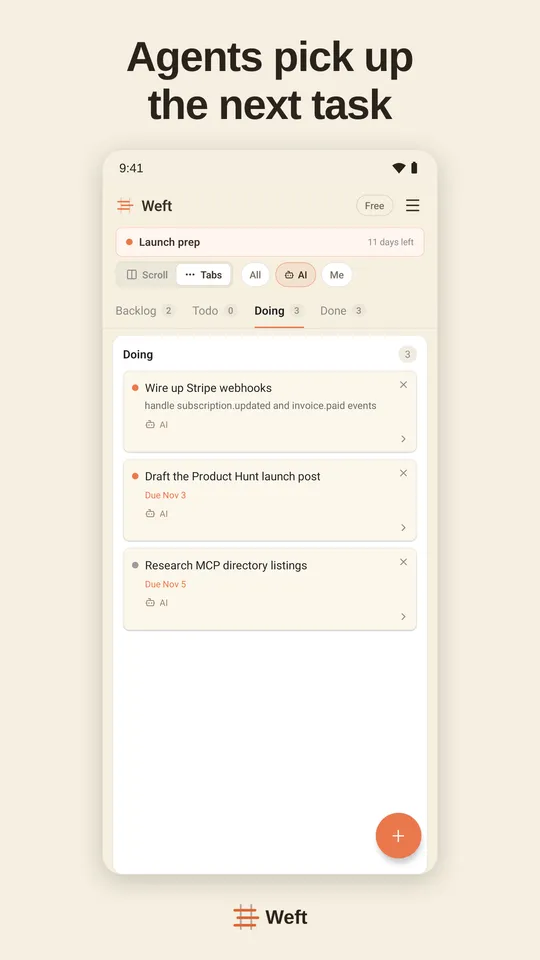
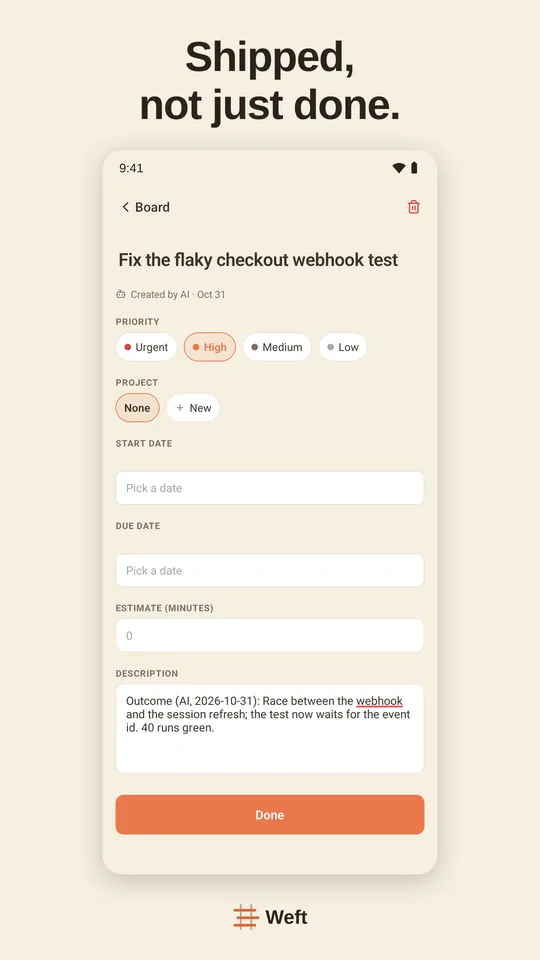
Setting Weft up: Weft in ChatGPT · Weft in Claude · Weft in Claude Code · Weft in Cursor · Weft in Codex
Questions
Does Jira have an official MCP server?
Yes — Atlassian’s remote MCP server (Rovo MCP) at https://mcp.atlassian.com/v2/mcp covers Jira and Confluence.
Does Jira MCP use Rovo credits?
Reading and writing single Jira work items does not. Search and enriched Teamwork Graph calls cost 1 to 10 Rovo credits each; Jira includes 25 credits per user on Standard, 70 on Premium and 150 on Enterprise.
Can the Jira MCP server delete issues?
Yes, but the delete tools are disabled by default; an organization admin has to enable them.
Is there a Jira MCP server for Jira Data Center?
Not from Atlassian. The community server sooperset/mcp-atlassian supports Jira Server and Data Center (8.14+) with an API token or personal access token.
Sources
Read on 11 November 2026.